A flashcard-first RemNote alternative for exam prep
RemNote joins notes, PDFs and flashcards in one knowledge base. OxyLesson does one part of that: it turns your material into cards and schedules every one of them until the exam.
Import your RemNote cardsThe difference in short
- OxyLesson is a flashcard app, not a note-taking app with flashcards inside.
- FSRS schedules every card from the first review, with nothing to switch on.
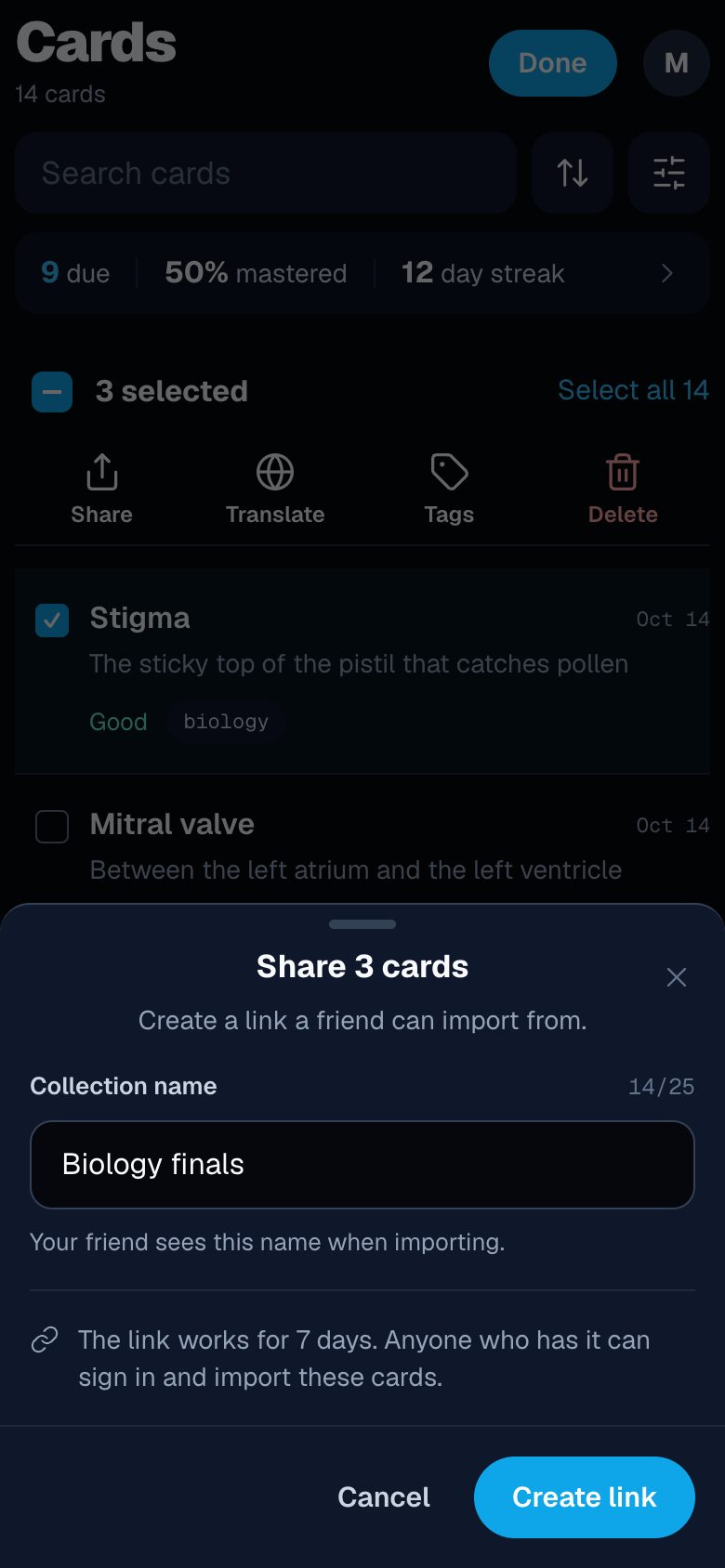
- AI improves, translates and reads your cards aloud, right in the card editor.
| OxyLesson | RemNote | |
|---|---|---|
| What it is | OxyLesson Flashcards and spaced repetition for exams and certifications. | RemNote Notes, PDF annotation and flashcards in one knowledge base. |
| Scheduling | OxyLesson FSRS on every card, from the first review. | RemNote SM-2 by default; FSRS is a beta you switch on in Settings > Schedulers. |
| Phone | OxyLesson Same app on the web and Android; installs from the browser on iPhone. | RemNote Apps for iOS, Android, Windows, Mac and Linux, plus the web. |
| AI help | OxyLesson Improve, translate and voice cards in the card editor. | RemNote Makes cards and quizzes from notes and PDFs, with monthly AI credits per plan. |
| Bring your cards | OxyLesson Imports Anki .apkg, CSV and text. | RemNote Exports flashcards as an Anki .apkg, and notes as Markdown, HTML or text. |
Why the differences matter
Cards first, not notes first
In RemNote, flashcards grow out of your notes. That suits a knowledge base you keep for years. For an exam with a date, the cards are the work, and OxyLesson starts and ends with them.
One scheduler, already on
RemNote schedules with SM-2 unless you switch FSRS on, and its help center still calls FSRS a beta. OxyLesson runs FSRS on every card from the first answer, so there is no setting to find before you start.
AI on the card in front of you
RemNote's AI drafts cards and quizzes from your notes and PDFs. OxyLesson's AI works on one card at a time: it rewrites it, translates it or reads it aloud, so each card stays the one you chose to learn.
Who should switch and who should stay
RemNote is a good tool for notes and cards together. Switch when the notes are what slows your review down, and stay when they are why you use it.
Switch to OxyLesson if you
- study for an exam and mostly open RemNote to review cards.
- want FSRS on every card without a beta setting.
- want AI help on the card you are editing, not a draft deck to clean up.
Stay with RemNote if you
- write your notes and annotate PDFs in RemNote and want cards next to them.
- want native apps on iPhone and on the desktop, with offline study.
- want AI to draft cards and quizzes from a whole PDF.
Bring your cards through an Anki file
RemNote exports its flashcards in Anki's .apkg format, and OxyLesson imports that format, so your cards move in one file.
- 01 In RemNote, open the document's three-dot menu, choose Export and pick Anki (Flashcards Only). Settings > Export does the same for everything.
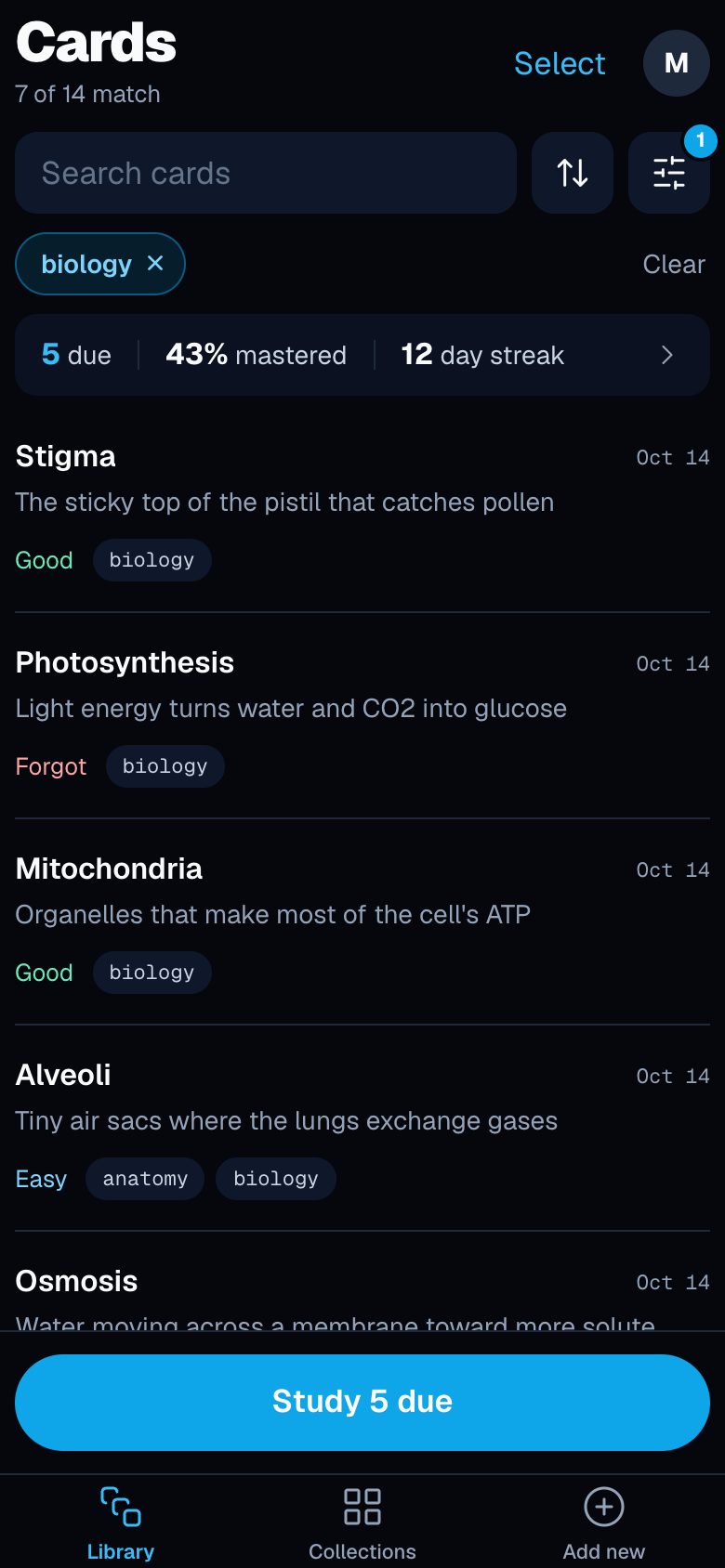
- 02 Drop the .apkg file on OxyLesson's import page. Each note's first field becomes the question and the second the answer.
- 03 Check the cards in the box, then import. Anki tags and the file name become tags.
Questions when switching
No. The Anki export carries only flashcards: RemNote leaves out bullets that hold no card. Keep your notes in RemNote or export them separately as Markdown or text.
More comparison pages
Want your exam cards in an app built only for reviewing them?
Start free, bring your RemNote cards in one file and see whether a flashcard-first app keeps your reviews on track.
No credit card required